
Show phone photos and videos on your TV
Tuned can show photos and videos from your iPhone or Android phone on your TV, with a Show on TV button in the remote. It works with Google TV, Android TV and Roku, and with Samsung, LG and Hisense VIDAA TVs that offer a built-in media player on your network. It does not work with Amazon Fire TV yet. Screen mirroring is separate and works differently on iPhone and Android.
Which TVs can show photos and videos
- Google TV and Android TV: through Google Cast, which is built into these TVs.
- Roku TV: through Roku's Play on Roku player. Roku cannot jump to a point in a video, so there is no scrub handle.
- Samsung, LG and Hisense VIDAA: through the TV's own built-in media player, when Tuned finds one on your network.
- Amazon Fire TV: not supported yet. Tuned says that the TV cannot receive photos and videos from the app.
The TV fetches the file from your phone over Wi‑Fi, so the phone and the TV must be on the same network. Once it is playing, you only control it. The TV's own player decides which file types it plays. If it cannot play one, Tuned says so in plain words.
How to show photos and videos
- Connect your TV in Tuned.
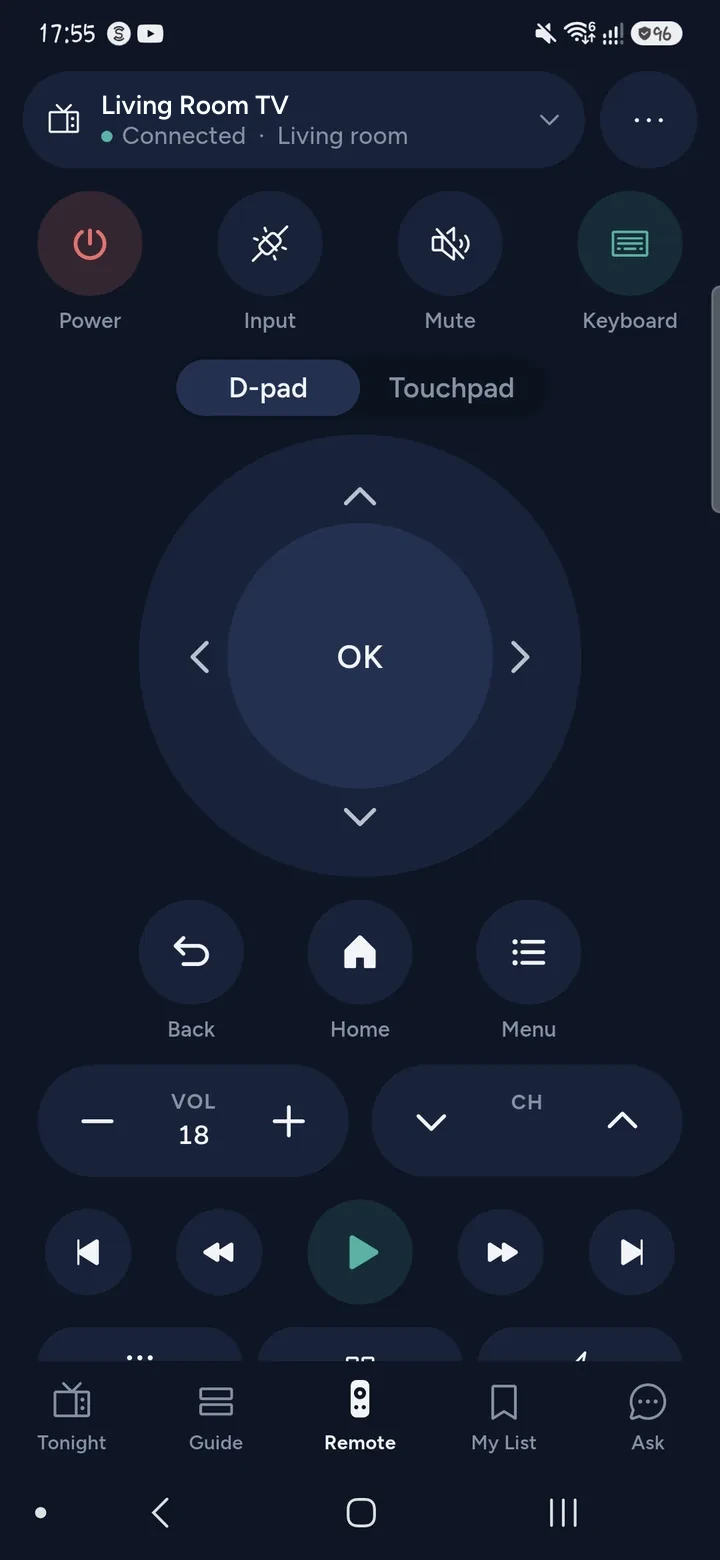
- Tap the Show on TV button at the top of the remote.
- Choose Photos and videos, then pick what you want on the TV. Tuned reads them on your phone. Nothing is uploaded.
- The first one appears on the TV. Use Next and Previous, Play and Pause, and the TV volume.
- Turn on Slideshow to move on every few seconds. Tap Stop when you are done.
On Android you can also share photos and videos to Tuned from another app, and they go straight to your TV.
Mirror your phone's screen
The same sheet has a Mirror your screen row. What happens depends on the phone and the TV.
- iPhone: Tuned points you to iOS. Open Control Center, tap Screen Mirroring and choose your TV. It works with TVs that support AirPlay.
- Android with a Google TV or Android TV: Tuned starts mirroring straight to the TV, with sound. Stop mirroring from the same row.
- Android with another TV: Tuned opens your phone's own Cast list. Tap your TV, then Start now. If the phone cannot mirror to that TV, Tuned says so.
Questions about photos and mirroring
Can I show phone photos on a Samsung or LG TV?
Tuned looks for the media player built into the TV and uses it when it finds one. If your TV does not offer one on the network, Tuned tells you that it cannot show photos and videos on it.
Why will it not show on my Fire TV?
A Fire TV has no way for Tuned to send photos and videos to it yet. The remote, typing and apps all still work.
Does my phone have to stay unlocked?
No. The TV plays the file itself, and on Android Tuned keeps serving it through a call or a locked screen. Your phone does need to stay on the same Wi‑Fi.
Why can I not mirror my iPhone from Tuned?
Apps on iPhone cannot start screen mirroring. Tuned shows you where the iOS button is, in Control Center, and it works with TVs that support AirPlay.
Is showing photos on the TV free?
The remote is free and the free plan shows ads. Tuned Plus and Tuned Pro are optional subscriptions. See every supported TV.
Get Tuned
Free to download for iPhone and Android.