
Google TV and Android TV remote app
Tuned works as a Google TV and Android TV remote app on iPhone and Android. That covers Google TV streaming sticks and many Sony, TCL, Philips and Hisense TVs that run Google TV or Android TV. You pair with a 6-character code shown on the TV.
What your phone can do
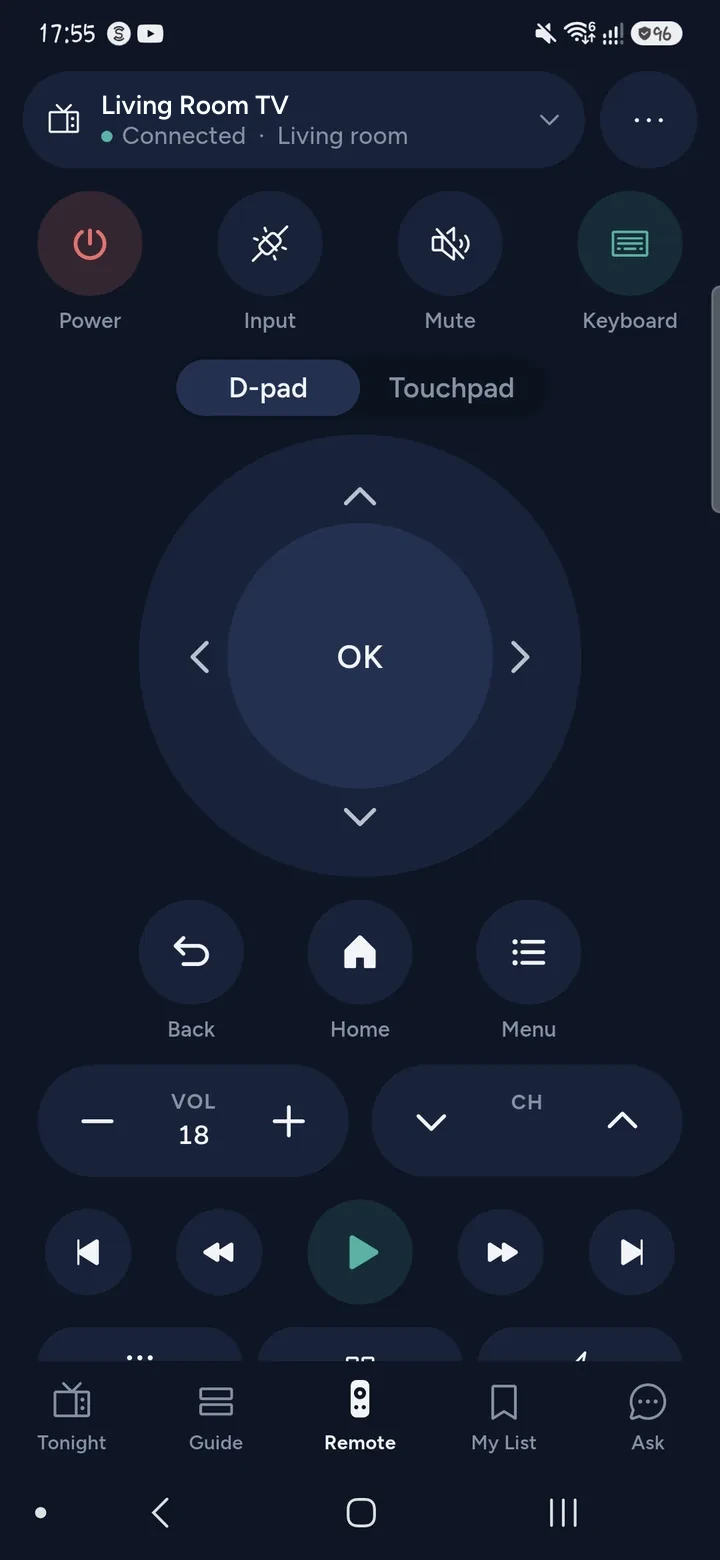
- Control power, volume (including setting a level), the D-pad, OK, Back, Home and playback.
- Launch apps and open a film or episode straight in the right app.
- Type with your phone's keyboard. The text appears in the TV's search box as you type.
- Hold an arrow on the phone to move the cursor in apps that draw their own, such as browsers and cloud gaming.
- Show photos and videos on the TV through Google Cast, and on Android, mirror the phone's screen with sound.
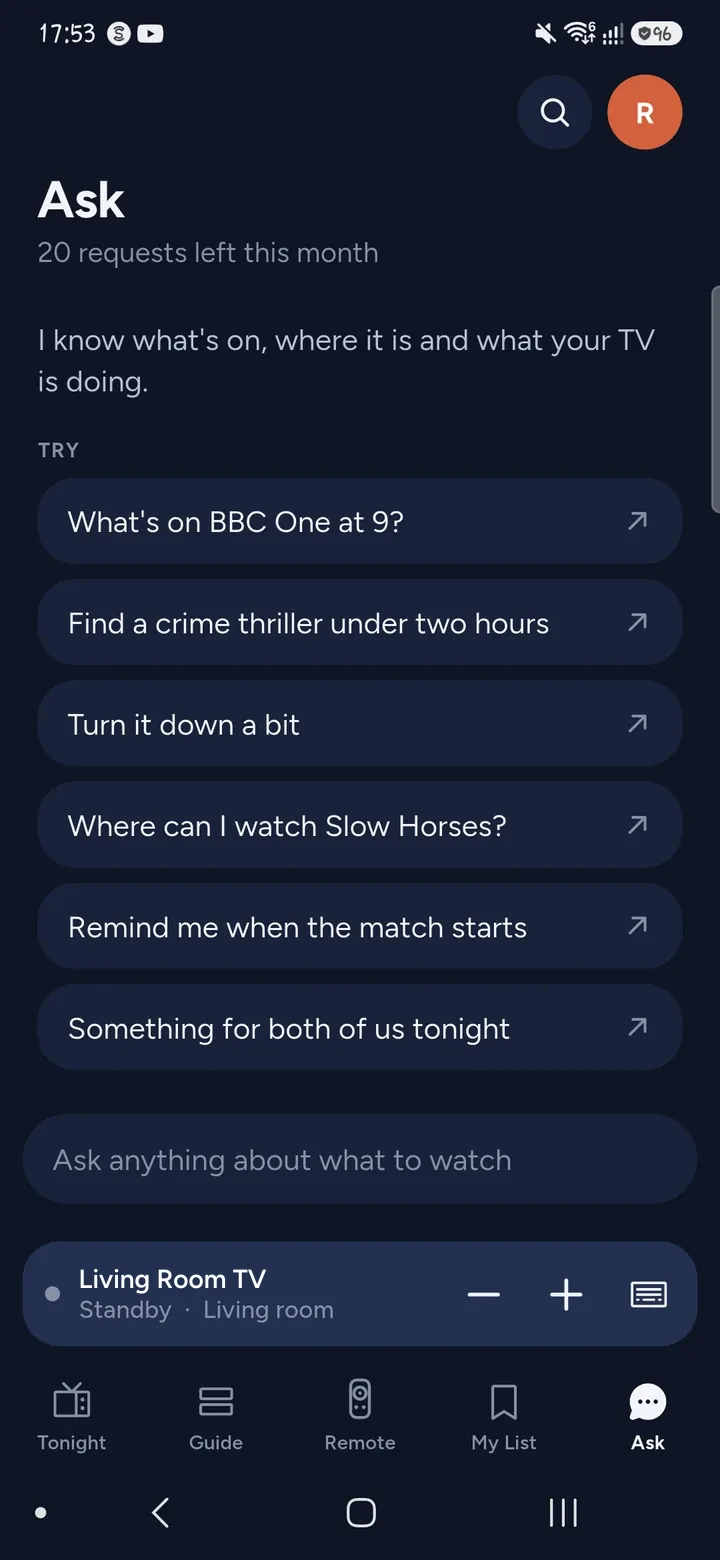
- Ask Tuned what to watch, or look at what is on tonight in the TV guide.
The power key on Google TV toggles. Tuned sends that key, so a TV that is off comes on and a TV that is on goes to standby.
How to connect
- Switch the TV on. Join your phone and the TV to the same Wi‑Fi network, not a guest network.
- Open Tuned and tap your TV in the list. On iPhone, allow Tuned to find devices on your local network.
- A 6-character code appears on the TV.
- Type the code into Tuned.
- The remote opens. Your TV is saved, so there is no code next time.
Questions about Google TV and Android TV
What is the difference between Google TV and Android TV?
Google TV is the newer home screen that Google puts on top of Android TV. For Tuned they connect the same way, with the same 6-character code, so one set of steps covers both.
Which TV brands run Google TV or Android TV?
Many Sony, TCL, Philips and Hisense models do, and so do Google TV streaming sticks. Brands sell different models with different systems, so check what your own TV runs. See the guides for Sony and TCL.
Do I need the Google TV app or a Google account?
No. Tuned pairs with the TV directly using the code on the screen. It does not ask you to sign in to Google.
Why does the code not work?
The code is shown for a short time and has to be typed exactly. Start pairing again to get a fresh one. Check that the phone and the TV are on the same Wi‑Fi network.
Can I turn the TV on with my phone?
When the TV is in network standby, usually yes. A TV that has left your Wi‑Fi completely cannot be reached by any app. Switch it on with its own button once, and Tuned reconnects.
Is this remote free?
Yes. The remote is free for everyone. The free plan shows ads, and Tuned Plus and Tuned Pro are optional subscriptions.
Common problems
Get Tuned
Free to download for iPhone and Android.
Related guides
See every TV that works with Tuned, or read on.