
Samsung TV remote app
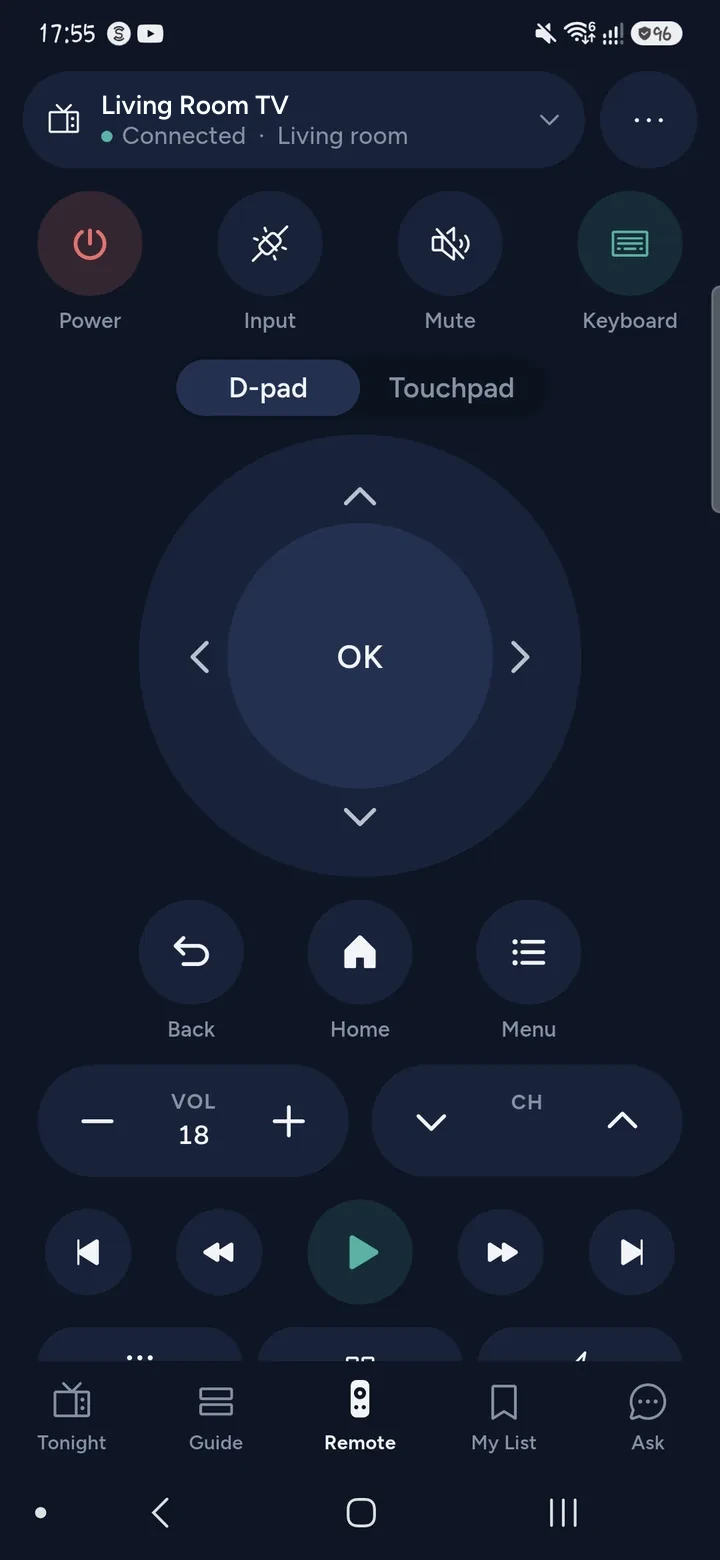
Tuned is a Samsung TV remote app for iPhone and Android. It connects to Samsung smart TVs that run Tizen over your home Wi‑Fi, so your phone controls power, volume, the D-pad, playback and apps. You pair once, by choosing Allow on the TV.
What your phone can do on a Samsung TV
- Use it as a full remote: power, volume, the D-pad, OK, Back, Home and playback keys.
- Open apps from a list of the apps that are on your TV.
- Type into search boxes with your phone's keyboard, so you skip the on-screen letters.
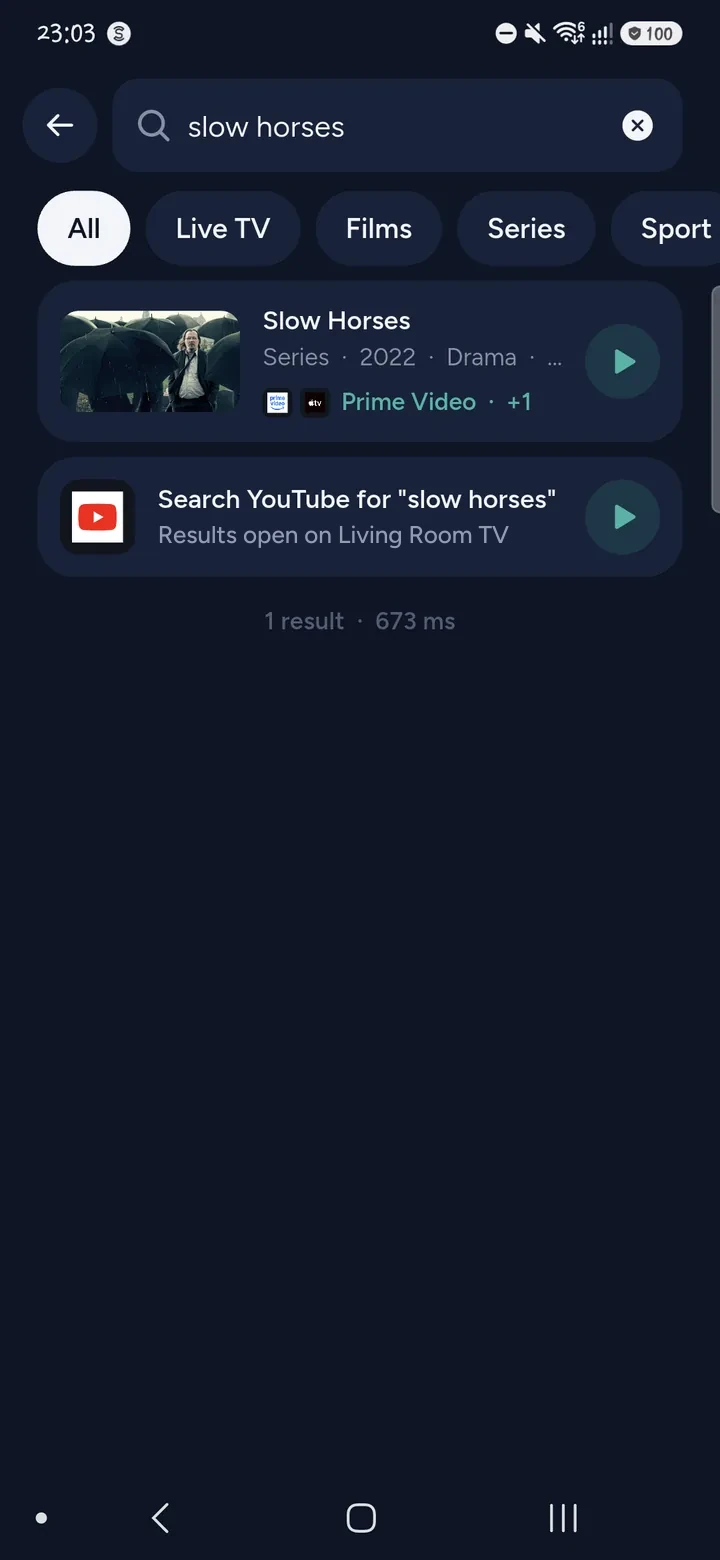
- Search for a film or series once, and open the result in the right streaming app.
- Change channel on the TV's own tuner.
- Turn the phone into a trackpad for apps that use a cursor, such as a web browser.
- Ask Tuned what to watch tonight and start it on the TV.
Tuned also remembers your TV's address on the network. If the TV allows it from standby, Tuned can send a wake signal to switch it on.
How to connect a Samsung TV
- Put your phone and the TV on the same Wi‑Fi network. A guest network will not work.
- Switch the TV on.
- Open Tuned and tap your Samsung TV in the list. On iPhone, allow Tuned to find devices on your local network when it asks.
- The TV shows "Allow Tuned to connect?". Choose Allow with the TV's own remote, or with the buttons on the TV.
- The remote opens on your phone. Tuned remembers the TV, so you do not do this again.
If the TV does not appear, Samsung TVs have a setting that allows control from a phone over Wi‑Fi. Check that it is on, then try again.
Questions about Samsung TVs
Which Samsung TVs does Tuned work with?
Samsung smart TVs that run Tizen, which is the system on Samsung's smart TVs. The TV has to be on your Wi‑Fi or wired network. A Samsung TV that is not a smart TV cannot be controlled over a network.
Do I need the SmartThings app or a Samsung account?
No. Tuned talks to the TV directly over your home network. You do not sign in to Samsung or SmartThings, and Tuned does not ask for a Samsung account.
Why does my Samsung TV not show up in Tuned?
Check that the phone and the TV are on the same Wi‑Fi network and that it is not a guest network. Check that the TV is on, and that the Samsung setting that allows control from a phone is switched on. On iPhone, make sure Tuned is allowed to find devices on your local network.
Can I turn my Samsung TV on from my phone?
Often, yes. Once Tuned has seen the TV on your network it remembers how to reach it, and the power button can send a wake signal. It depends on the TV allowing this in network standby. If it does not wake, switch it on once with the TV's own button and Tuned reconnects.
Can I type on my Samsung TV with my phone?
Yes. Open a search box in an app on the TV, tap the keyboard button in Tuned and type on your phone. Some apps draw their own keyboard and only take letters from it. Tuned says so when that happens. See typing on a TV from your phone.
Is the Samsung remote free?
Yes. Tuned is free to download and the remote is free for everyone. The free plan shows ads. Tuned Plus and Tuned Pro are optional subscriptions.
Common problems
- Samsung remote not working
- Smart Remote won't pair
- Turn on without the remote
- Wi‑Fi without a remote
- Type from your phone
Get Tuned
Free to download for iPhone and Android.
Related guides
See every TV that works with Tuned, or read on.