
Roku remote app
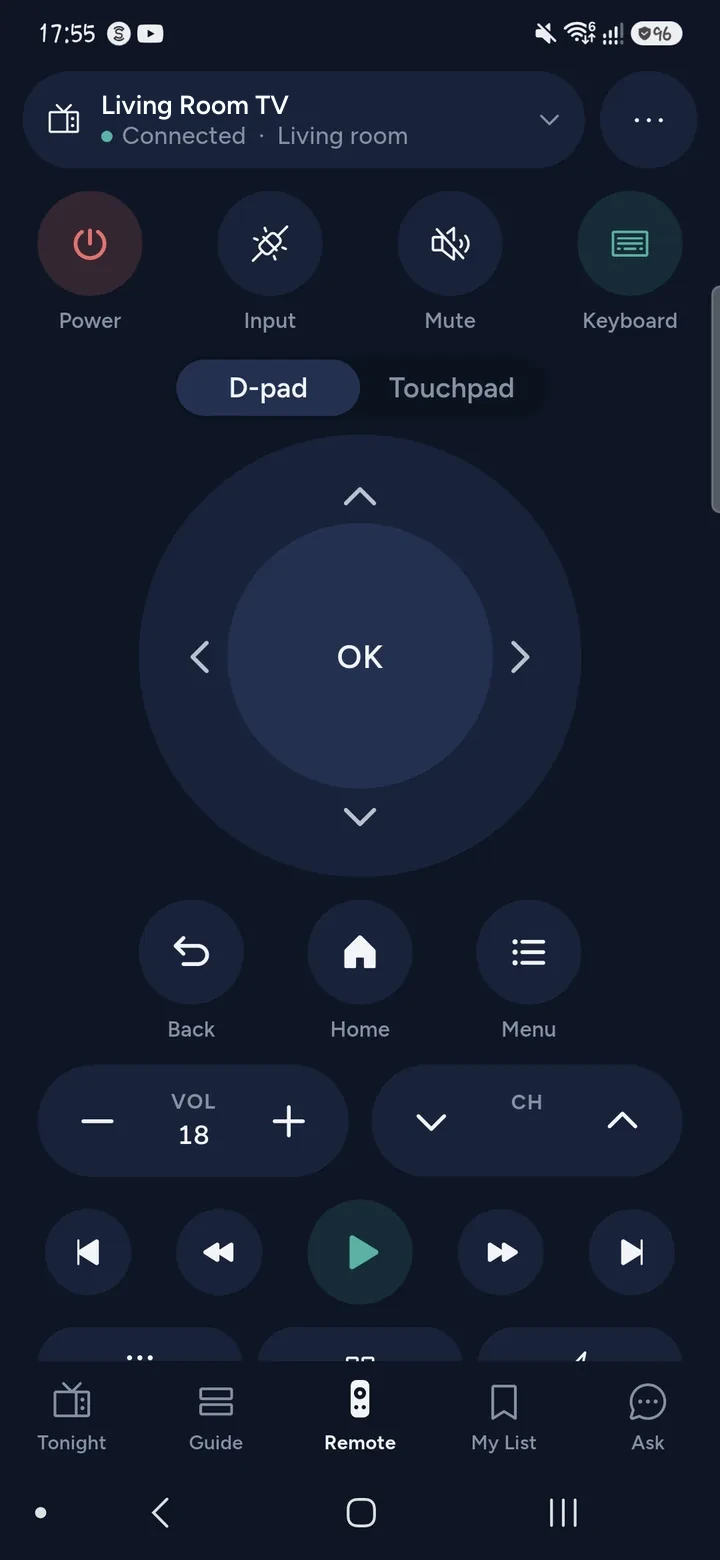
Tuned is a Roku remote app for iPhone and Android that controls TVs with Roku built in, over your home Wi‑Fi. There is one setting to switch on first: Control by mobile apps. After that, tap your TV in Tuned and the remote is ready, with no code.
What your phone can do on a Roku TV
- Switch the TV on and off with separate on and off commands, so the button does what it says.
- Change the volume and mute, and move through the D-pad, OK, Back and Home.
- Open channels and apps from the list on the TV.
- Type into search boxes with your phone's keyboard.
- Change channel on a Roku TV's tuner.
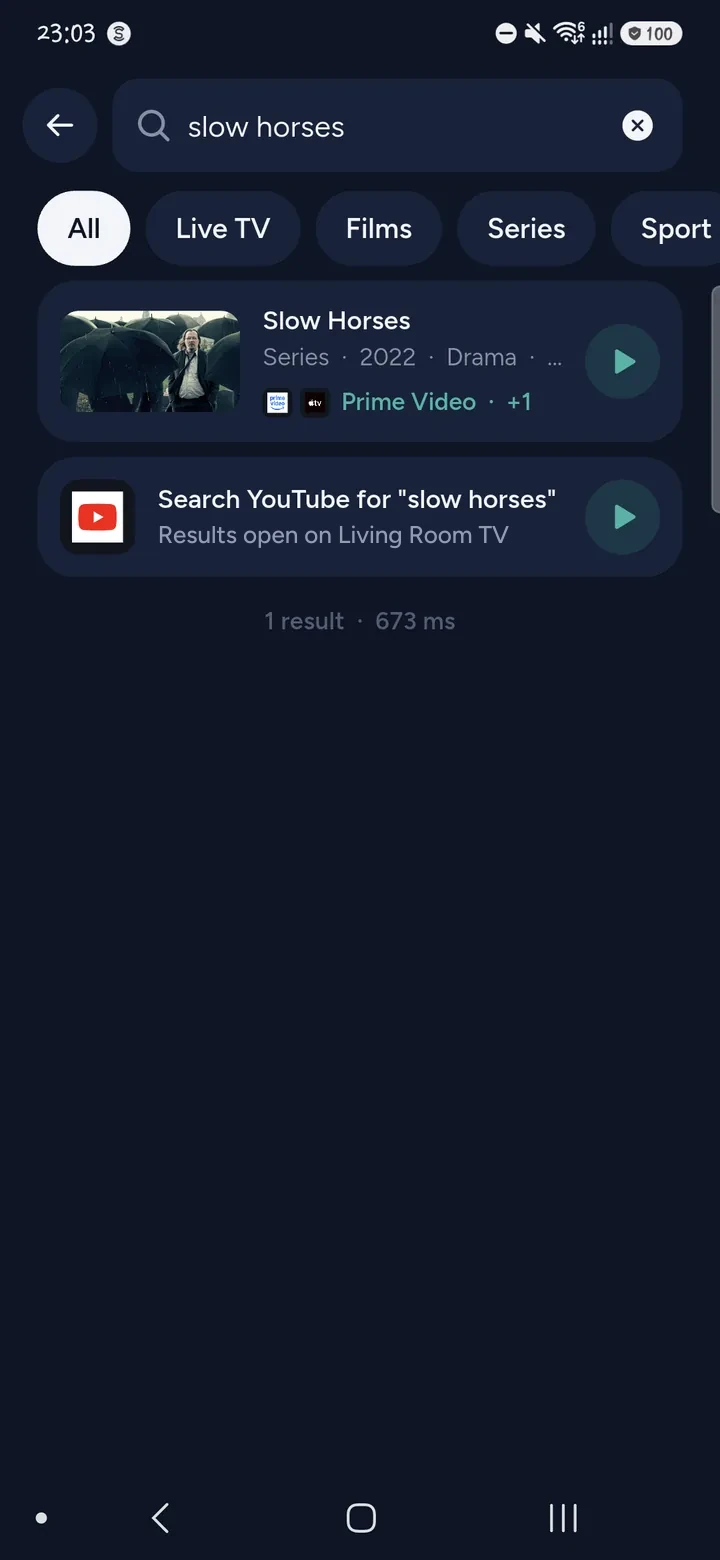
- Search across your streaming apps, or ask what to watch, then open the result on the TV.
- Show photos and videos from your phone through Roku's own Play on Roku player.
Roku has no pointer or trackpad mode in Tuned. For photos and videos Roku has no way to jump to a position, so the progress bar shows how far along it is without a handle.
How to connect a Roku TV
- On the TV, go to Settings, System, Advanced system settings, Control by mobile apps, and set it to Enabled.
- Put your phone and the Roku TV on the same Wi‑Fi network, not a guest network.
- Open Tuned and tap your Roku TV in the list. On iPhone, allow Tuned to find devices on your local network.
- The remote opens. There is no code to type.
You need a Roku remote to change that setting the first time.
Questions about Roku
Why does Tuned say my Roku refuses commands?
A Roku with Control by mobile apps switched off answers Tuned but refuses every command. Turn the setting on, under Settings, System, Advanced system settings. Tuned tries again by itself when you have changed it.
Do I need the Roku app or a Roku account?
No. Tuned talks to the TV on your home network, and does not ask you to sign in to Roku.
Which Roku devices does this page cover?
TVs with Roku built in, sold by brands such as TCL and Hisense. Roku TV is the system on those sets. If your TCL or Hisense TV shows the Roku home screen, use these steps. The TCL guide helps you tell which system you have.
Can I show phone photos on my Roku TV?
Yes, through Roku's built-in Play on Roku player. It plays common formats such as JPEG, PNG, GIF, MP4, MOV and MKV. See showing photos and videos on your TV.
Is the Roku remote free?
Yes. The remote is free for everyone, and the free plan shows ads. Tuned Plus and Tuned Pro are optional subscriptions.
Common problems
- TCL Roku TV remote not working
- Roku remote won't pair
- Turn on without the remote
- Wi‑Fi without a remote
Get Tuned
Free to download for iPhone and Android.
Related guides
See every TV that works with Tuned, or read on.