
Fire TV remote app
Tuned is a Fire TV remote app for iPhone and Android, and it works as a Firestick remote too. It controls Fire TV Sticks, the Fire TV Cube and TVs with Fire TV built in over your home Wi‑Fi. You pair with a 4-digit code that appears on the TV.
What your phone can do on Fire TV
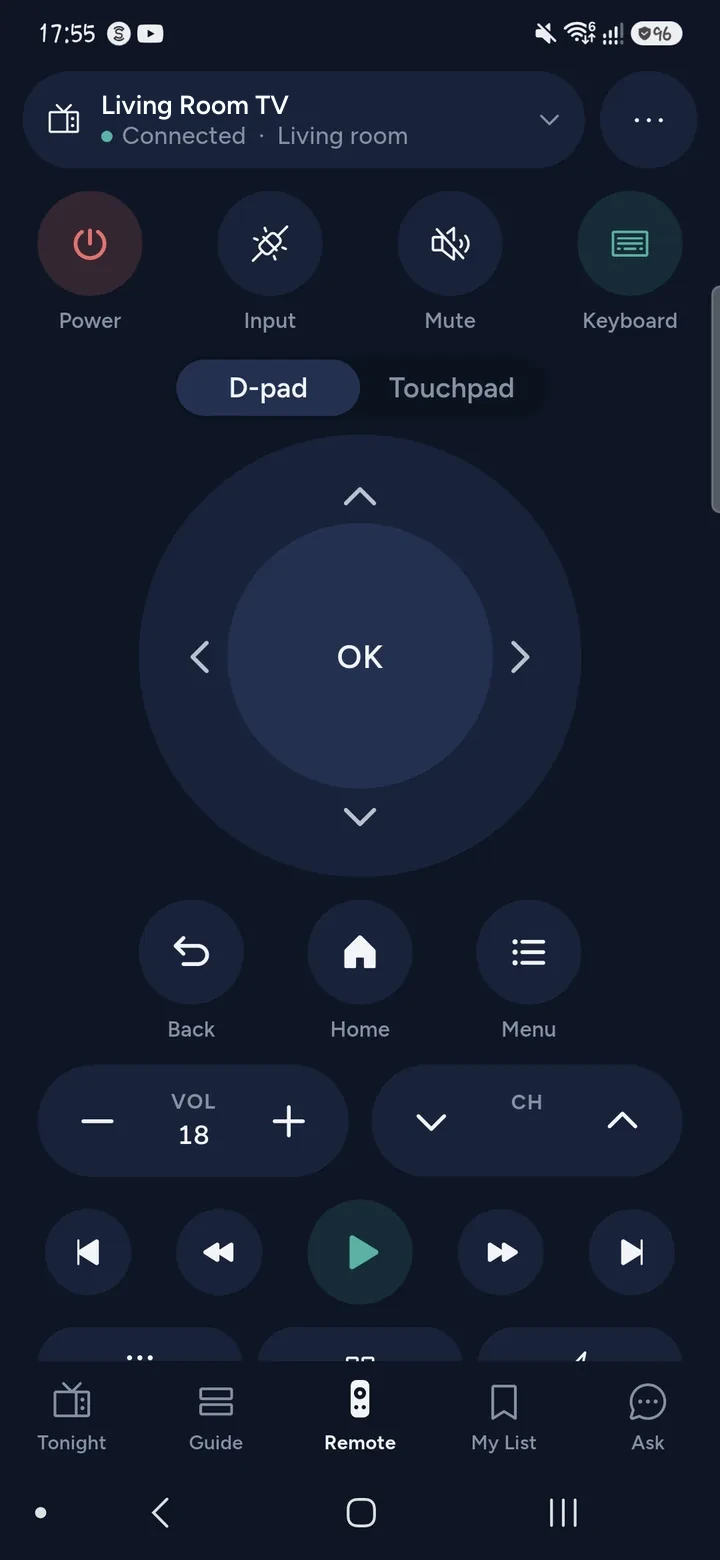
- Use the D-pad, OK, Back, Home, Menu and playback keys.
- Put the Fire TV to sleep and wake it again with the power button.
- Change the volume, on TVs that let the remote drive it.
- Open apps, and open a search result in the app that has it.
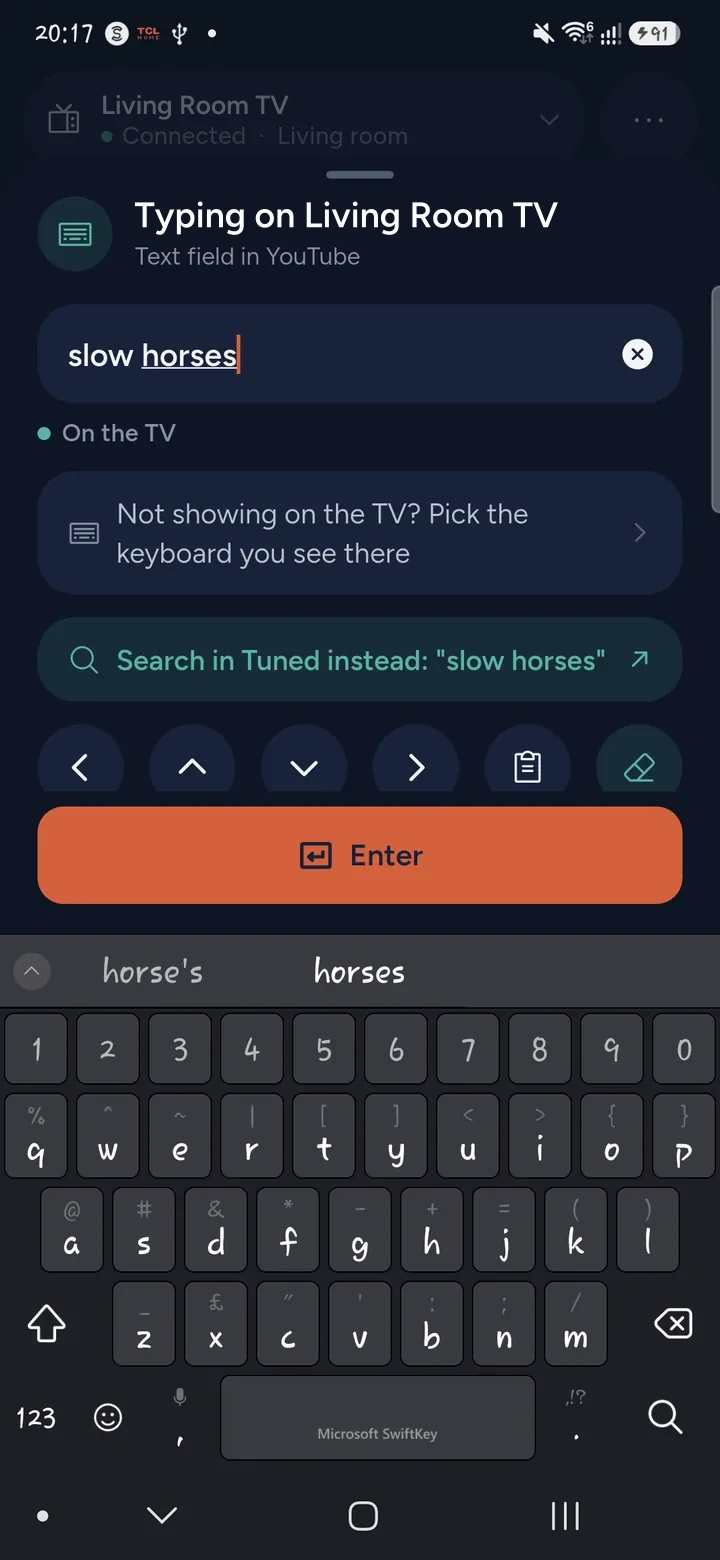
- Type into search boxes with your phone's keyboard.
- Move a cursor in apps that draw one, such as the Silk browser. Hold the arrow and the cursor moves.
What it does not do yet: Tuned cannot show photos and videos from your phone on a Fire TV, and it does not change live channels on a Fire TV.
How to connect a Fire TV
- Switch the Fire TV on. Put your phone on the same Wi‑Fi network as the Fire TV, not a guest network.
- Open Tuned and tap your Fire TV in the list. On iPhone, allow Tuned to find devices on your local network.
- A 4-digit code appears on the TV screen.
- Type the code into Tuned.
- You are connected. The Fire TV remembers your phone.
Questions about Fire TV
Which Fire TV devices work?
Fire TV Sticks, the Fire TV Cube and TVs with Fire TV built in. Other streaming sticks, such as those from other makers, are not supported yet.
Can I use my phone as a Firestick remote if I lost the remote?
Yes, if the Fire TV is on. The code appears on the TV screen and you type it on the phone, so you do not need the original remote to pair. See what to do when you lose your TV remote.
Do I need an Amazon account or the Fire TV app?
No. Tuned pairs with the Fire TV directly using the 4-digit code. It does not ask you to sign in to Amazon.
Why can Tuned not find my Fire TV?
Check that the phone and the Fire TV are on the same Wi‑Fi network, not a guest network, and that the Fire TV is awake. A Fire TV that is asleep stops answering on the network, so Tuned wakes it first when you ask it to.
Can I show phone photos on my Fire TV?
Not with Tuned yet. A Fire TV has no way to receive photos and videos from Tuned, and the app tells you so. See which TVs can show photos and videos.
Common problems
Get Tuned
Free to download for iPhone and Android. The remote is free, and the free plan shows ads.
Related guides
See every TV that works with Tuned, or read on.