
LG TV remote app
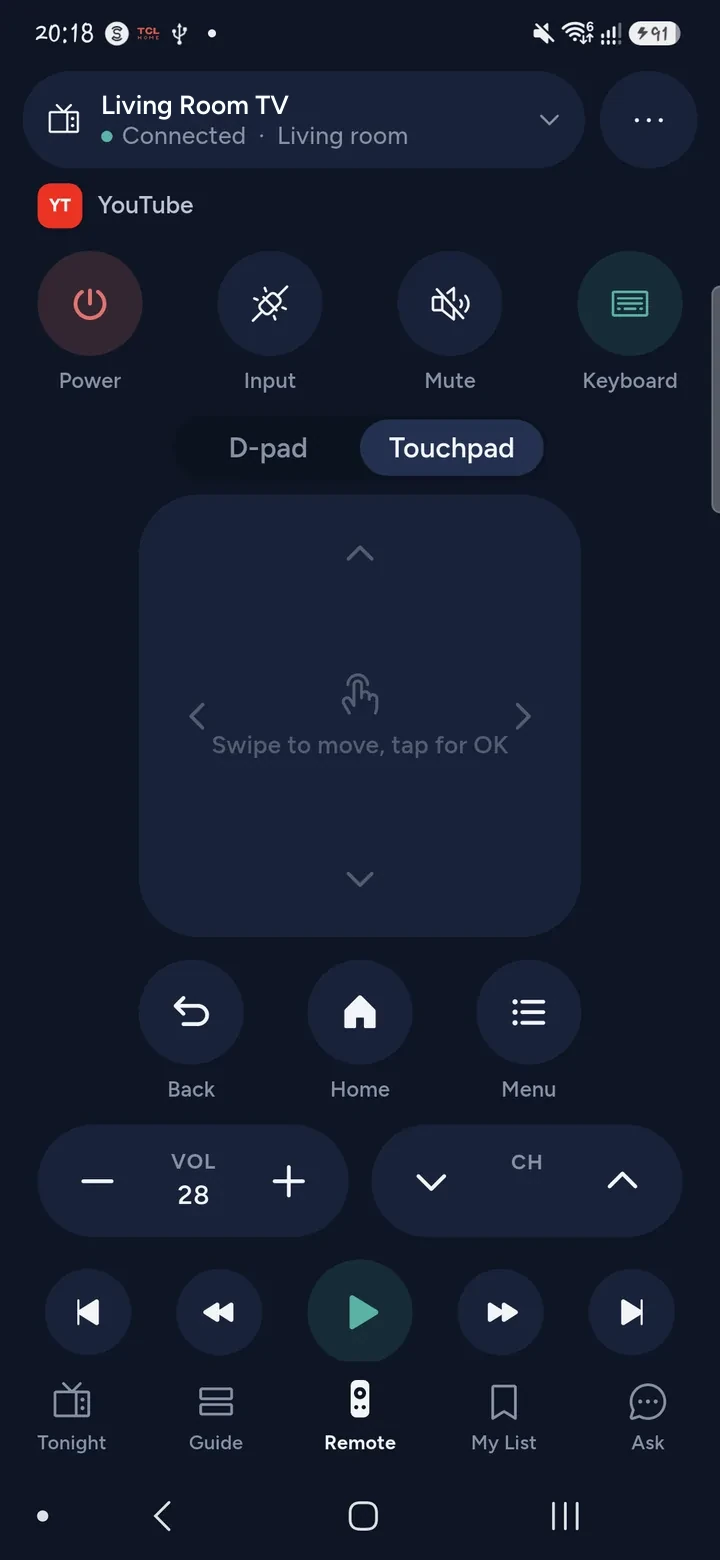
Tuned is an LG TV remote app for iPhone and Android. It controls LG smart TVs that run webOS over your home Wi‑Fi: power, volume, the D-pad, apps and playback. You pair once with a code or a prompt on the TV, depending on its software.
What your phone can do on an LG TV
- Switch the TV on and off, and set the volume to a level.
- Move around with the D-pad, and use OK, Back, Home and the playback keys.
- Open apps from the list of apps installed on the TV, with their icons.
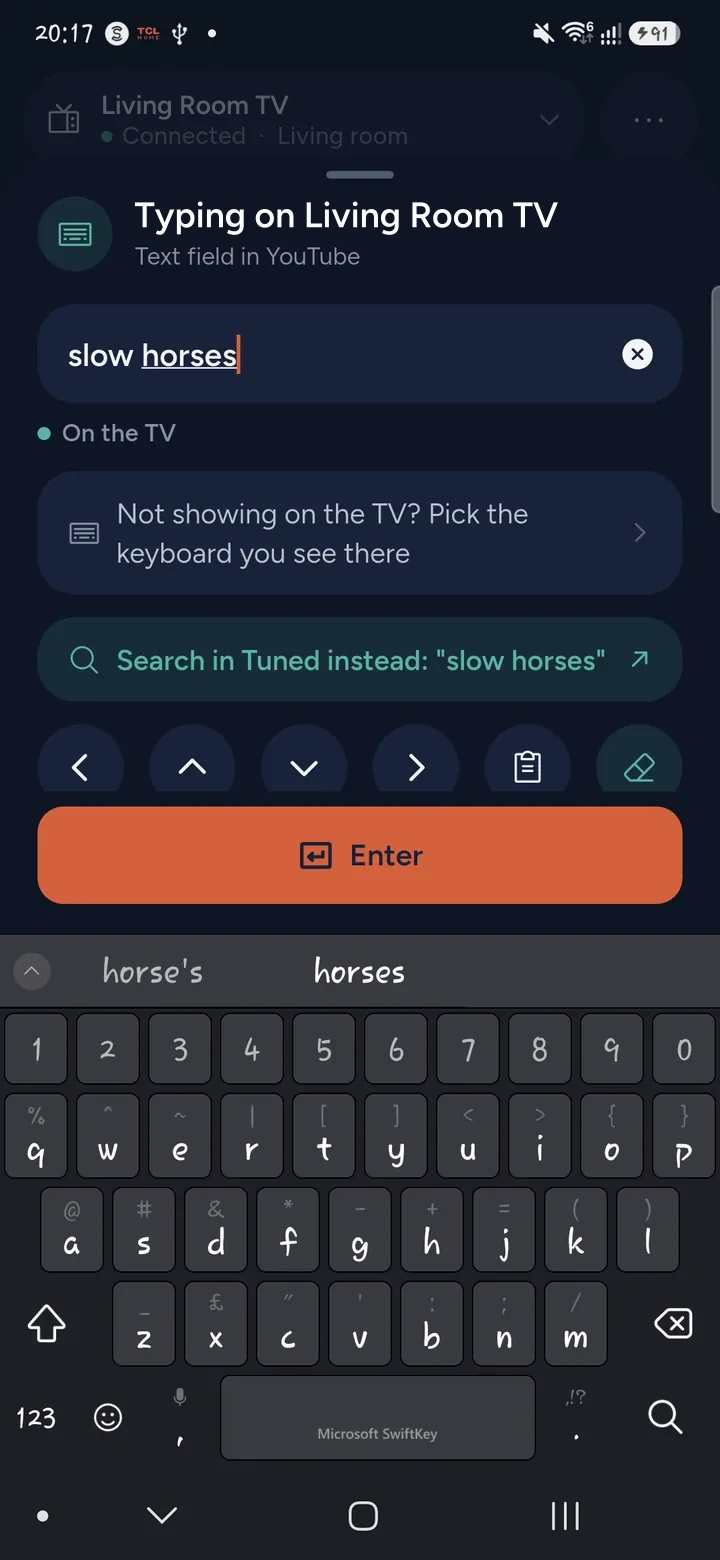
- Type into search fields with your phone's keyboard.
- Change channel on the TV's tuner.
- Use your phone as a pointer, a bit like the Magic Remote, for apps that use a cursor.
- Search across your streaming apps, or ask what to watch, and open the answer on the TV.
How to connect an LG TV
- Join the same Wi‑Fi network on your phone and the TV, not a guest network.
- Switch the LG TV on.
- Open Tuned and tap your LG TV in the list. On iPhone, allow Tuned to find devices on your local network.
- Newer webOS shows an 8-digit code on the TV. Type it into Tuned. Older webOS shows a pairing prompt instead. Choose Yes with the TV remote.
- The remote opens. The TV remembers your phone for next time.
LG TVs have a setting that allows control from a phone over Wi‑Fi. If Tuned cannot find the TV, check that it is switched on.
Questions about LG TVs
Which LG TVs work with Tuned?
LG smart TVs that run webOS. Tuned finds them on your Wi‑Fi, so the TV must be online. TVs from other makers that look similar are not covered by this page. See the full list of supported TVs.
Do I need the LG ThinQ app?
No. Tuned pairs with the TV on its own, with a code or a prompt on the screen. You do not sign in to LG.
Why does my LG TV ask for a code?
Newer webOS versions show an 8-digit code on the TV to prove the phone is in the room. Type it into Tuned and you are done. Older versions show a prompt that you accept with the TV remote.
Can my phone turn the LG TV on?
Only by a wake signal over the network, because webOS has no way to switch on through its normal connection. It works when the TV has been seen on the network before and the LG setting that turns it on over Wi‑Fi is enabled. Without that setting, use the TV's own button once.
Can I show photos and videos from my phone on an LG TV?
Tuned looks for the TV's built-in media player and uses it when it finds one. See showing photos and videos on your TV for what to expect.
Common problems
Get Tuned
Free to download for iPhone and Android.
Related guides
See every TV that works with Tuned, or read on.