
Sony TV remote app
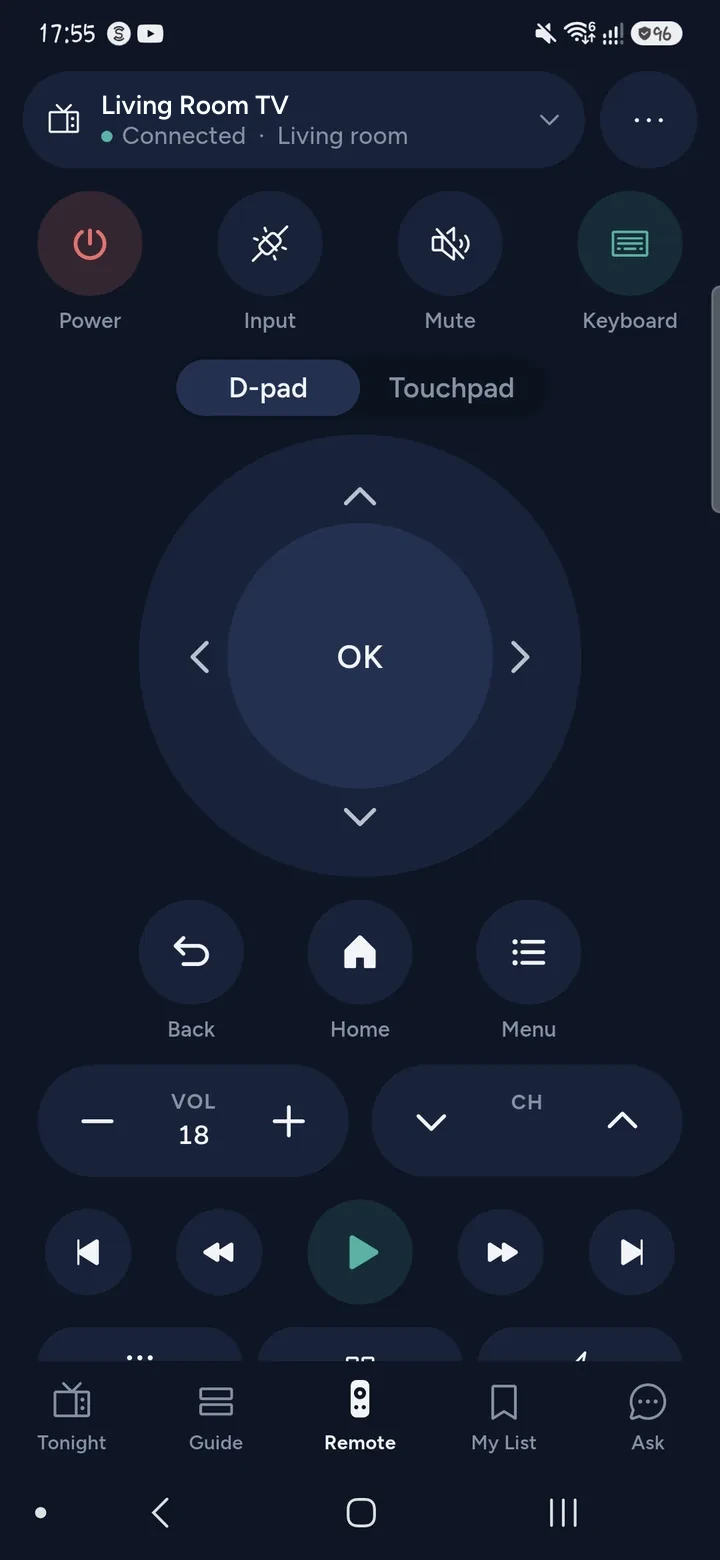
Tuned is a Sony TV remote app for iPhone and Android. Sony Bravia TVs run Google TV or Android TV, and Tuned connects to both over your home Wi‑Fi with a 6-character code shown on the TV. Your phone then controls power, volume, apps, typing and more.
What your phone can do on a Sony Bravia
- Control power, volume with a level, the D-pad, OK, Back, Home and playback.
- Open apps and jump into a film or episode in the right one.
- Type in search boxes with your phone's keyboard.
- Change channel on the TV's tuner.
- Show photos and videos on the screen using Google Cast, which is built into Google TV and Android TV.
- On Android, mirror the whole phone screen to the TV with sound.
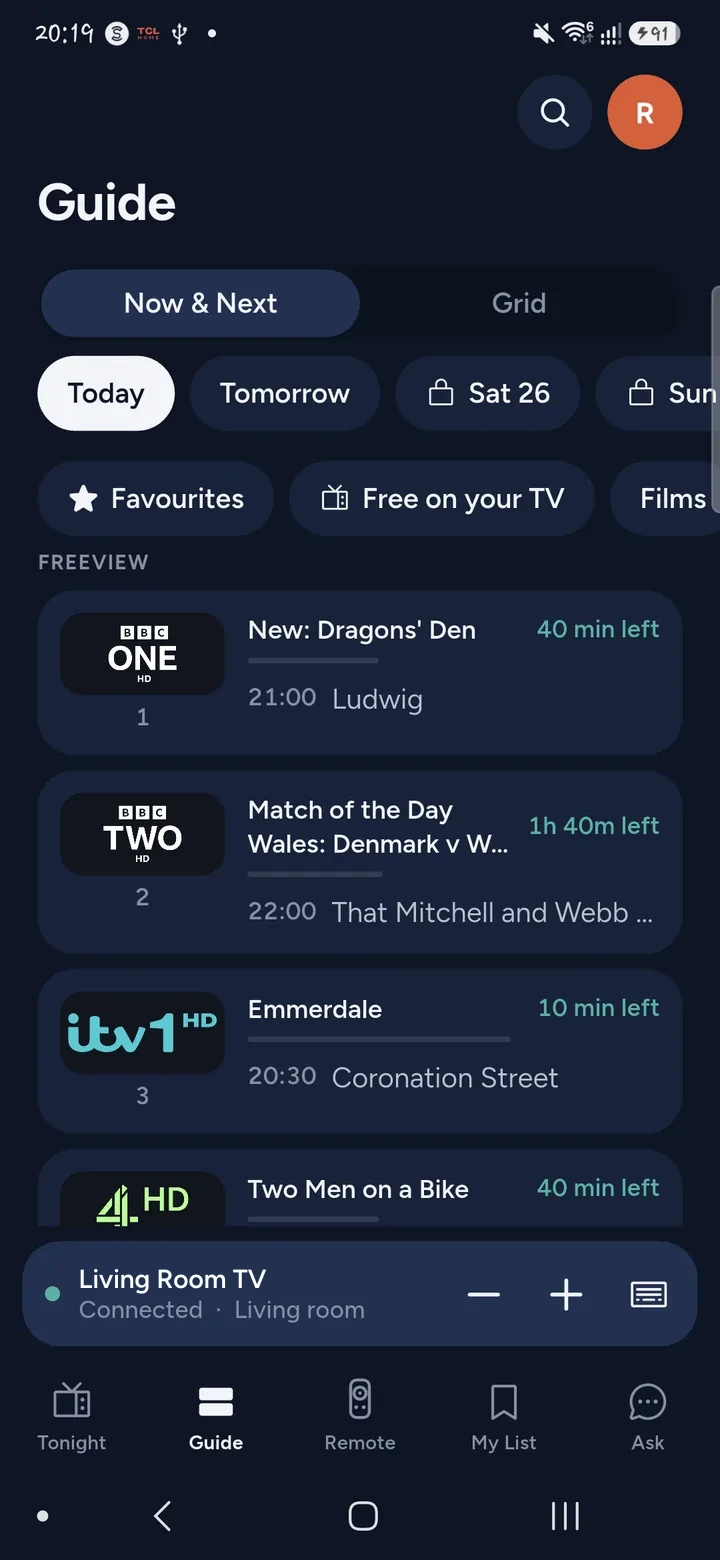
- Find something to watch with one search across your streaming apps, or ask in plain words.
How to connect a Sony TV
- Switch the Sony TV on. Put your phone and the TV on the same Wi‑Fi network, not a guest network.
- Open Tuned. Tap your Sony TV in the list. On iPhone, allow Tuned to find devices on your local network.
- A 6-character code appears on the Sony. Type it into Tuned.
- Done. The TV is saved in the app for next time.
Turn on network standby in the TV's settings if you want to switch the TV on from the phone later. Tuned can only reach a TV that is still on your network.
Questions about Sony TVs
Do all Sony TVs work?
Sony TVs that run Google TV or Android TV do. Sony sets that run neither are not on our supported list.
Is there a difference between Sony Google TV and Android TV?
Not for Tuned. Google TV is the newer home screen on top of Android TV, and both pair with the same 6-character code. Our Google TV guide has more.
Do I need the Sony app or a Google account?
No. Tuned pairs with the TV directly, using the code on the screen. It does not ask you to sign in to Sony or Google.
Why will my Sony not connect?
Check that the phone and the TV are on the same Wi‑Fi network and not a guest network. Check that the TV is on, and that you type the code exactly as shown. If the code does not work, start pairing again for a fresh one.
Is this free?
Yes. The remote is free for everyone, and the free plan shows ads. Tuned Plus and Tuned Pro are optional subscriptions.
Common problems
Get Tuned
Free to download for iPhone and Android.
Related guides
See every TV that works with Tuned, or read on.