
Lost your TV remote? Use your phone
If your TV remote is lost or has stopped working, you can use your iPhone or Android phone instead. Tuned connects to Samsung, LG, Google TV, Android TV, Fire TV, Roku and Hisense TVs over Wi‑Fi. Some TVs can be paired with no remote at all, and a few need one button pressed on the TV.
Before you start
- Switch the TV on with the power button on the TV itself. Most TVs have one on the side, the back or under the screen.
- Put your phone on the same Wi‑Fi network as the TV, not a guest network.
- Try fresh batteries first if the remote only works some of the time.
- Tuned uses Wi‑Fi, not infrared. Your phone and the TV both need to be on your network.
Which TVs you can pair without the remote
The first time you pair, some TVs ask you to confirm on the screen. That decides whether you need the old remote.
- Google TV and Android TV: a 6-character code appears on the TV and you type it on your phone. No remote needed.
- Amazon Fire TV: a 4-digit code appears on the TV and you type it on your phone. No remote needed.
- Hisense VIDAA: a 4-digit code appears on the TV and you type it on your phone. No remote needed.
- LG webOS: newer software shows an 8-digit code to type on your phone. Older software shows a prompt that needs a Yes on the TV.
- Samsung (Tizen): the TV asks "Allow Tuned to connect?" and you choose Allow. You need something to press Allow with. A Samsung TV that already knows your phone does not ask again.
- Roku TV: the setting Control by mobile apps has to be set to Enabled. If it already is, Tuned connects. If it is not, you need a Roku remote once to turn it on.
How to pair with your phone
- Switch the TV on.
- Download Tuned and open it. On iPhone, allow Tuned to find devices on your local network.
- Tap your TV in the list.
- Type the code from the TV, or choose Allow or Yes on the TV if it asks.
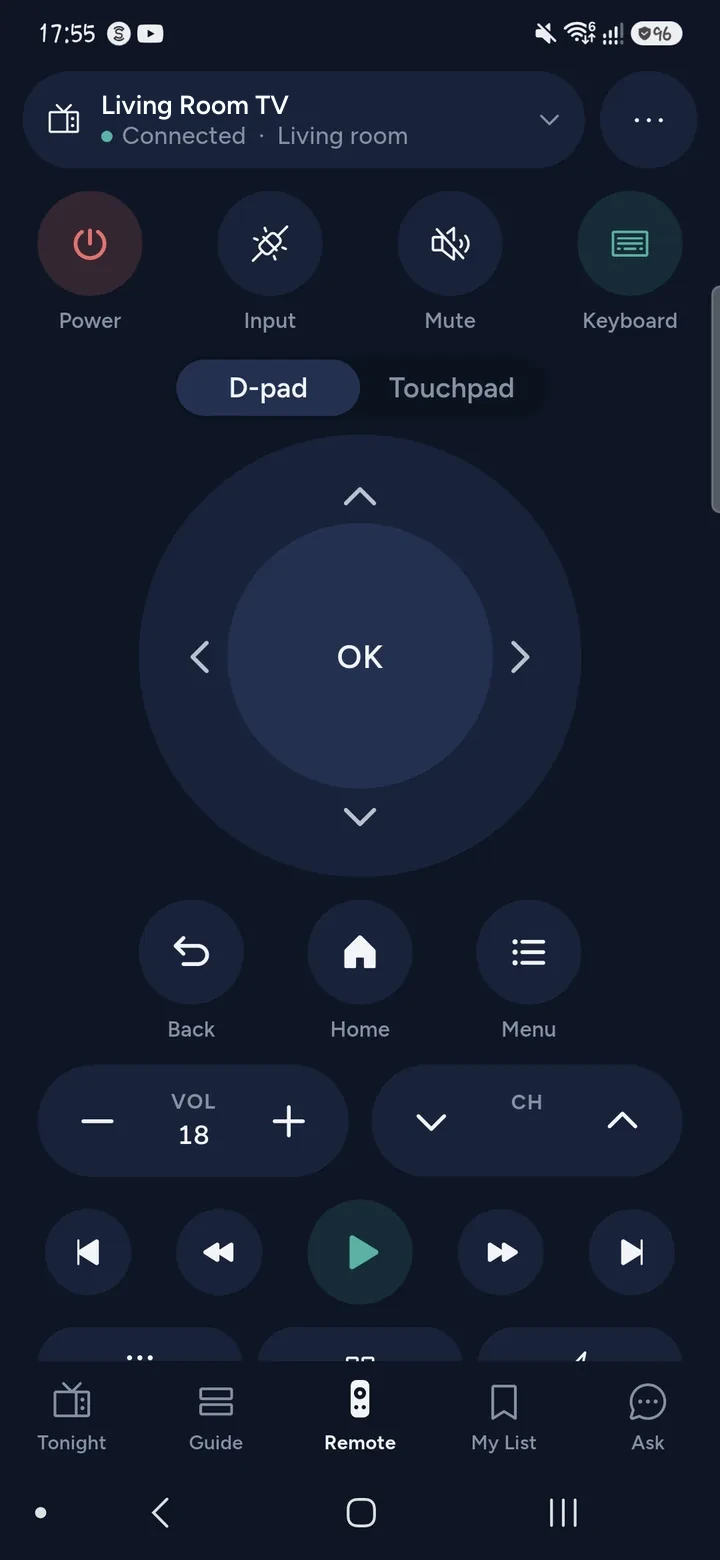
- Use the on-screen remote. Tuned remembers the TV.
Questions about losing your remote
Can I use my phone as a TV remote if I never paired it before?
Yes, on most TVs. Google TV, Android TV, Fire TV and Hisense VIDAA show a code on the screen that you type on the phone. Samsung and Roku TVs may need one press on the TV first, as above.
Can my phone turn the TV on?
Sometimes. If the TV is in network standby and Tuned has seen it before, the power button can wake it. A TV that is fully off, or that has left your Wi‑Fi, needs its own power button once.
Does my iPhone work as a remote with infrared?
No. iPhones have no infrared, and Tuned does not use it. It works over Wi‑Fi, and the TV must be on your network.
Will it work with a cable box or a soundbar?
No. Tuned controls smart TVs. Set-top boxes, streaming sticks other than Google TV and Fire TV, and soundbars are not supported yet.
Is it free?
Yes. The remote is free for everyone, and the free plan shows ads. See every supported TV and how to connect it.
Common problems
Get Tuned
Free to download for iPhone and Android.