
Hisense TV remote app
Tuned is a Hisense TV remote app for iPhone and Android. It works with Hisense TVs that run VIDAA, Hisense's own system, and with Hisense models that run Google TV or Roku. For VIDAA you pair with a 4-digit code shown on the TV.
Which system does your Hisense run?
Hisense TVs run different systems depending on the model. Look at the home screen.
- VIDAA: Hisense's own system. Follow the steps below. This is the one people mean by a "VIDAA remote".
- Google TV or Android TV: use the Google TV guide.
- Roku: use the Roku guide.
What your phone can do on a Hisense VIDAA TV
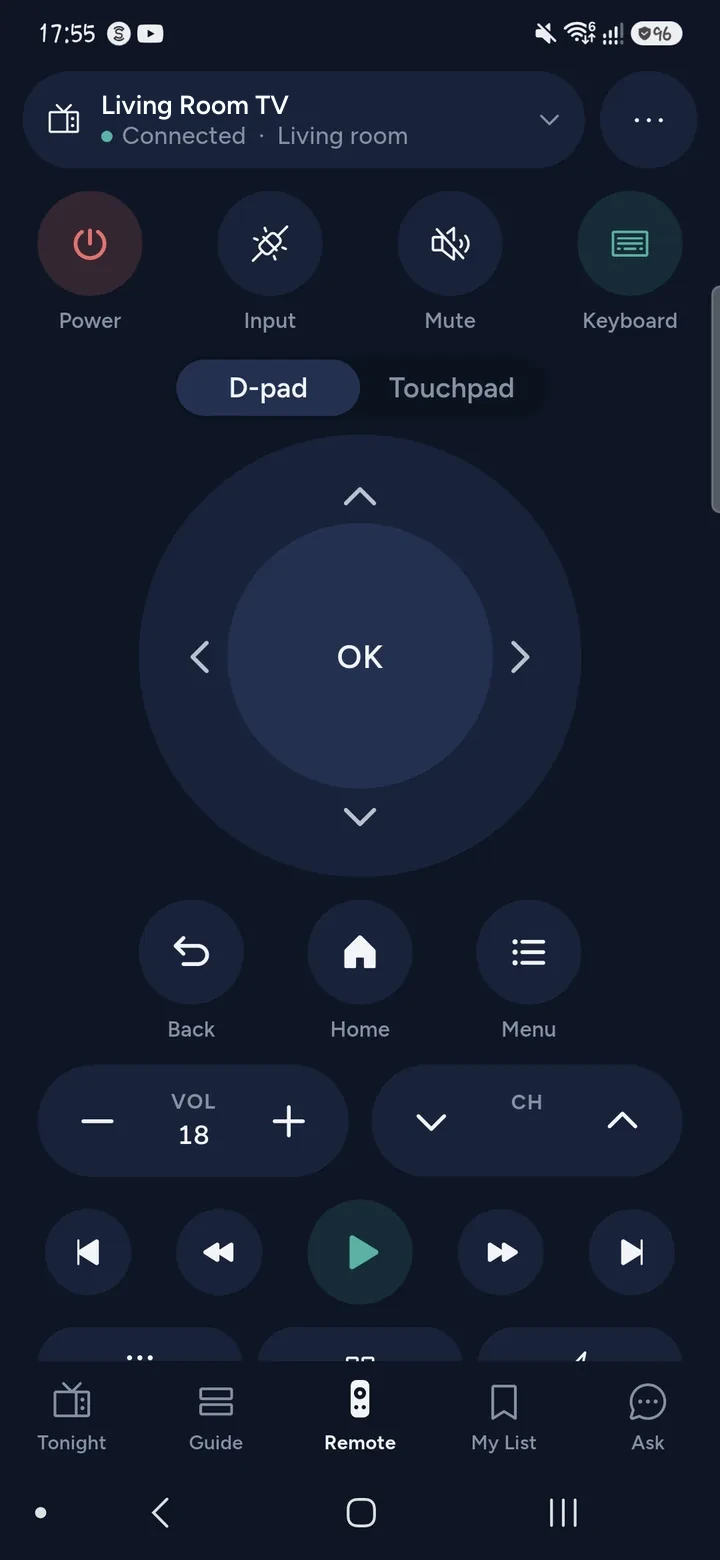
- Control power, volume (to a level), the D-pad, OK, Back, Home and playback.
- Open apps from the TV's app list.
- Type into a search box with your phone's keyboard, when the TV's own keyboard is on screen.
- Change channel on the TV's tuner.
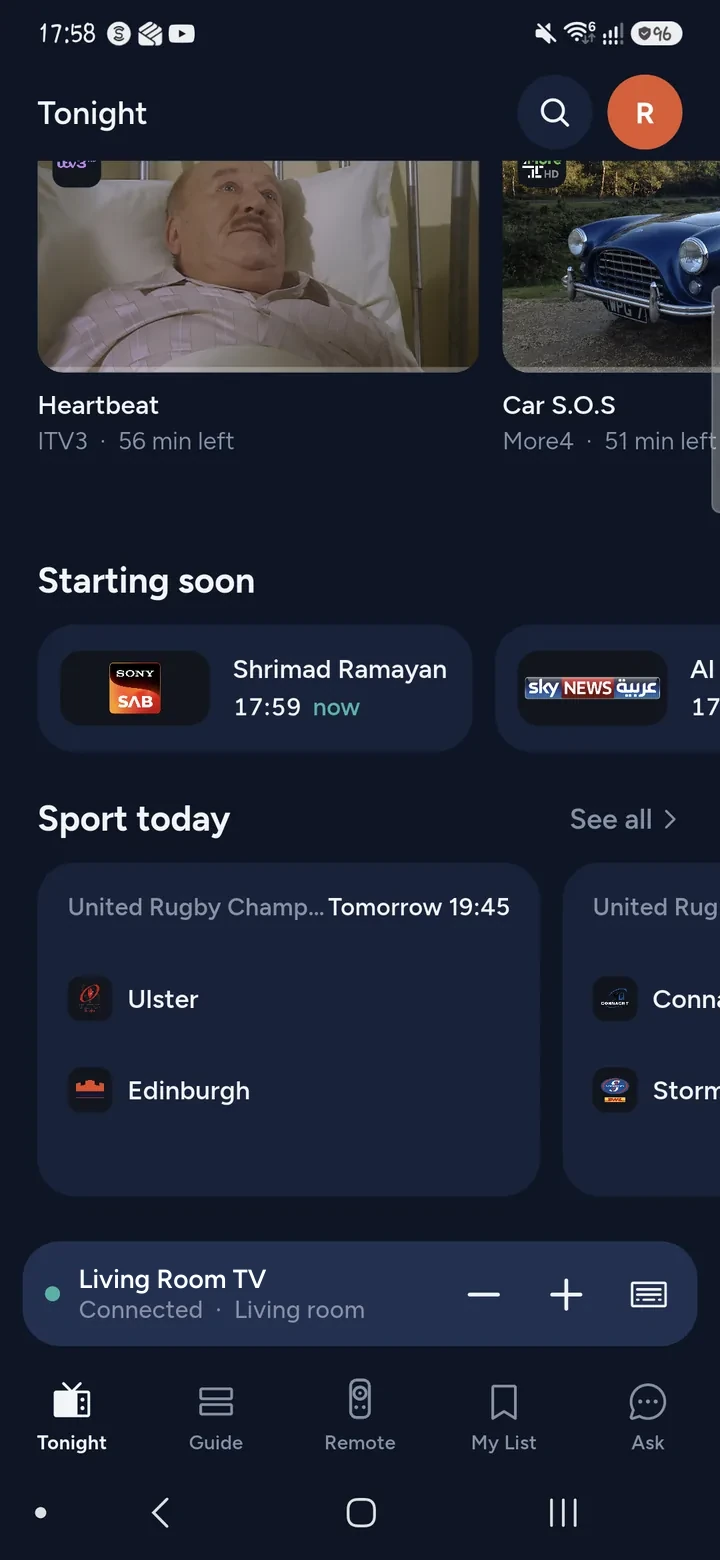
- Search across your streaming apps, or ask what to watch, and open it on the TV.
How to connect a Hisense VIDAA TV
- Switch the TV on. Put your phone and the TV on the same Wi‑Fi network, not a guest network.
- Open Tuned and tap your Hisense TV in the list. On iPhone, allow Tuned to find devices on your local network.
- A 4-digit code appears on the TV. Type it into Tuned.
- If the TV already knows your phone, it skips the code and connects.
If the code runs out, start pairing again and type the new one a little faster.
Questions about Hisense TVs
What is VIDAA?
VIDAA is the smart TV system that Hisense makes. Tuned supports Hisense TVs that run it.
Why does my Hisense TV not turn on from my phone?
A VIDAA TV in standby switches its network service off. Tuned tries to wake it with a wake signal over the network when you press power. If it stays asleep, switch it on with its own button once and Tuned reconnects.
Do I need a Hisense account or app?
No. Tuned pairs with the TV on your home network with the code on the screen. It does not ask you to sign in to Hisense.
Can I type on my Hisense TV with my phone?
Yes, once the TV's own keyboard is open. Open the search box on the TV, then tap the keyboard button in Tuned. See typing on a TV from your phone.
Does Tuned work with Hisense soundbars or set-top boxes?
No. Set-top boxes and soundbars are not supported yet.
Common problems
Get Tuned
Free to download for iPhone and Android.
Related guides
See every TV that works with Tuned, or read on.